Gaming audio headset safety: How to manage sound exposure
"The sound of a sudden explosion in a competitive match can shatter the quiet of a room, but it can also impact the user's hearing if not managed correctly."
Choosing the right gaming audio headset safety measures requires an understanding of volume limits and equipment standards. This guide covers how to manage sound exposure, the different types of connectors you might encounter, and how to maintain a healthy listening environment.
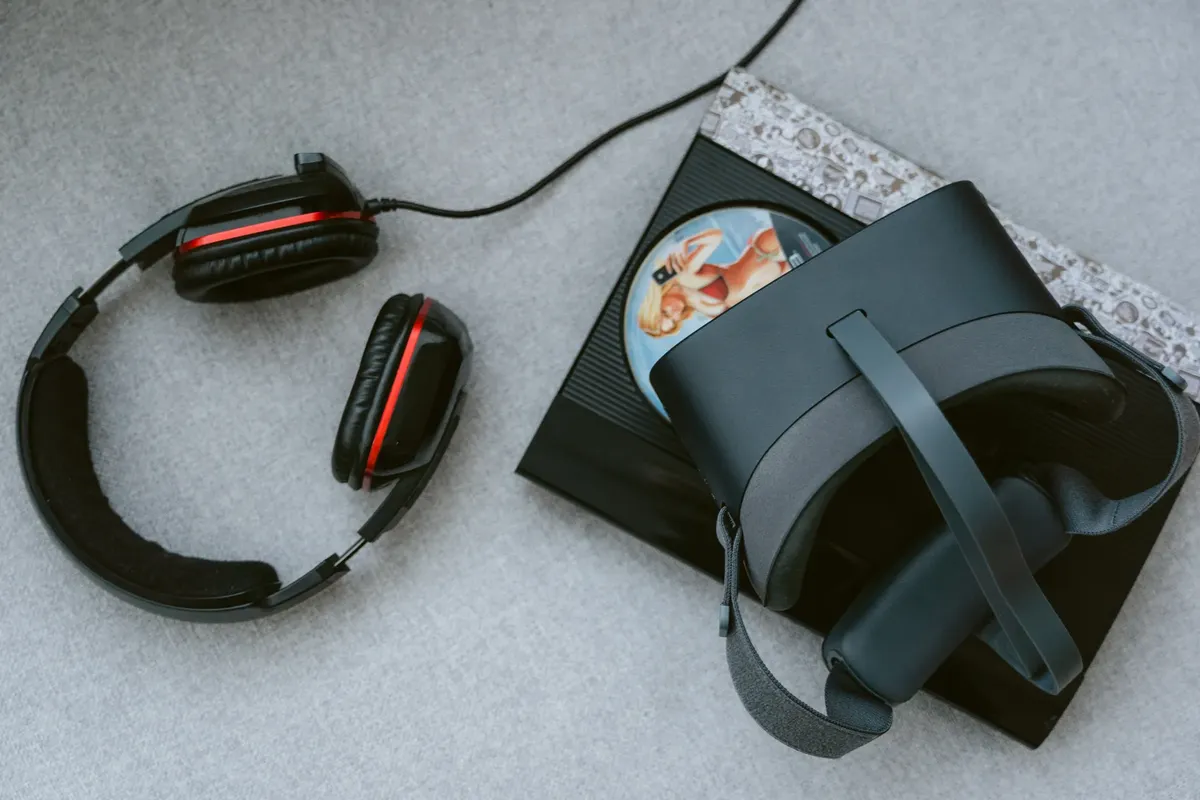
Key takeaways: * Adhere to recommended decibel limits to prevent hearing damage. * Understand the difference between common audio connectors for various devices. * Use appropriate accessories to ensure a secure and stable connection.
How do I manage gaming audio headset safety?
At midnight in the dark bedroom, I wince at the sudden roar and quickly slide the volume down to ensure safe gaming.
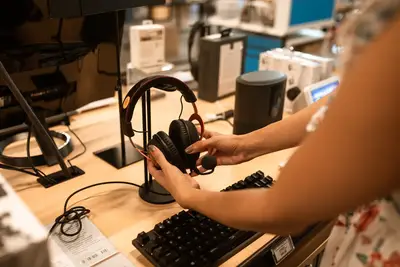
A gamer sits at a desk, adjusting the volume slider on a digital interface as the game environment shifts from quiet whispers to loud combat. Managing sound levels is the first step in ensuring long-term health.
The National Institute for Occupational Safety and Health (NIOSH) recommends sound exposure not exceed 85 dB(A) over an 8-hour work day as a time-weighted average. While gaming sessions may vary in length, keeping volume levels below this threshold helps mitigate risks.
Maintaining this balance ensures that the intensity of the game does not lead to excessive ear strain.
What kind of connector does my headset need?
I squint at the metal jack in my hand at the desk, wondering if it will fit the port for my gaming session. I squint at the small metal jack in my hand while sitting at the desk, trying to find the right port for my gaming setup.
A user reaches for a tangled mess of wires, looking for the right jack to plug into a console or a computer. Identifying the correct plug is essential for a stable connection.
The most common connectors are 6.35 mm (1/4 inch) and 3.5 mm (1/8 inch) phone connectors. The 3.5 mm connector remains the most widely used connector for portable applications. In contrast, the larger 6.35 mm connector is more common on fixed location home or professional equipment.
How do I use different audio cables?
A technician swaps out a thick cable for a thinner one to connect a mobile device to a desktop setup. Compatibility depends entirely on the jack size.
Headphones that use cables typically have either a 1/4 inch (6.4 mm) or 1/8 inch (3.2 mm) phone jack for plugging the headphones into the audio source. Because these sizes differ, adapters are available for converting between 6.35 mm and 3.5 mm connectors.
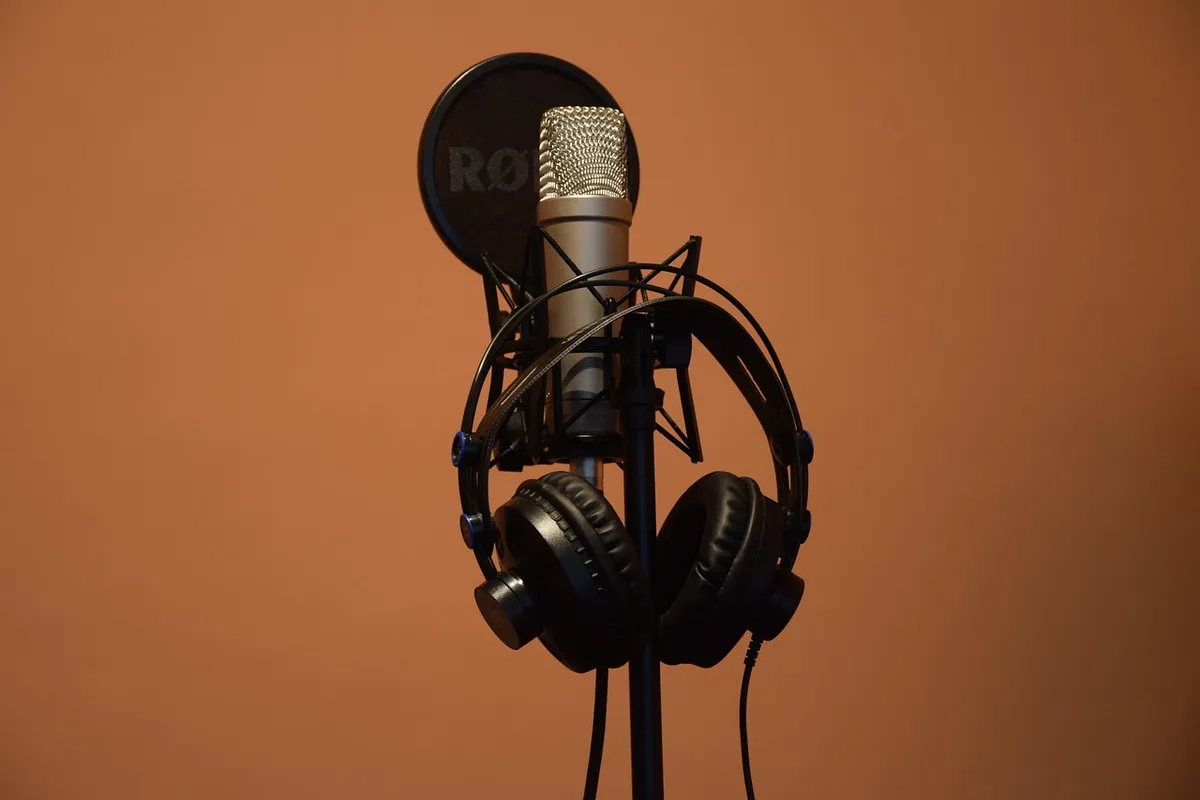
Using the right adapter ensures the signal remains clear and the connection does not fail during critical gameplay.
Will this equipment work with my gaming setup? A gamer plugs a headset into a specialized gaming hub, ensuring the connection is tight and the sound is balanced. Different devices require specific hardware.
In 2012, it entered into a partnership with Major League Gaming (MLG) that saw the release of headsets specifically designed for tournament gaming and consumer headsets that had official MLG branding, according to Major League.
Headsets are also available with 2.5 mm jack sockets for many DECT phones and other applications. While larger jacks are standard for professional gear, smaller sockets serve specific communication needs. Ensuring your headset matches the device socket prevents physical damage to the ports.
Can I compare different connector sizes?
A person holds a large professional plug in one hand and a small mobile plug in the other, comparing the two. Understanding these physical differences helps in choosing the right gear.
| Connector Size | Common Application |
|---|---|
| 6.35 mm (1/4 inch) | Fixed location home or professional equipment |
| 3.5 mm (1/8 inch) | Portable applications |
I once used a 6.35 mm adapter to connect a professional-grade headset to a standard laptop, which required a careful fit.
What are the steps for safe audio use?
A gamer puts on a headset, checks the volume, and then starts a timer for a break. Following a routine helps maintain both the equipment and personal health.
- Set the volume to the lowest necessary level to hear clearly without discomfort. 2. Use the correct adapter to ensure the plug fits snugly into the jack. 3. Take regular breaks to prevent ear fatigue.
Always perform a final check of the volume levels before starting a loud gaming session to ensure you stay within safe limits.
- How do I manage gaming audio headset safety?
- What are the common connector types for headsets?
- How do I use different audio cables?
The same subject is also called Best gaming headset safety.
The same subject is also called Headset vs speakers safety.
The same subject is also called Safe gaming audio gear.
The same subject is also called Gaming headset health tips.
This part also covers Long term headset use risks.
This part also covers Choosing safe gaming audio.
This part also covers Proper headset usage guide.
Long term headset use risks
Related
- How can you apply value gaming headset picks to your setup?
- Why do pin alignments matter for mobile gaming?: 3.5 mm
When should I worry about sound exposure?
One should worry about sound exposure when the volume consistently exceeds the recommended decibel limits. The National Institute for Occupational Safety and Health (NIOSH) sets a guideline that sound exposure should not surpass 85 dB(A) when calculated over an 8-hour work day.
If the intensity of the game pushes the volume past this threshold, the risk of hearing damage increases. This caution applies even if gaming sessions are shorter than a full workday.
How does connection stability relate to sound quality?
A stable connection is necessary for the signal to remain clear during gameplay. When a user plugs in a headset, the jack must fit snugly into the corresponding port. Using the correct adapter is a procedure that prevents connection failure when the plug size does not match the jack size.
A poor connection can introduce unwanted noise into the sound experience.
The sound of a sudden explosion, for example, is best experienced when the connection holds firm. If the connection is loose, the impact of that sound event might be distorted or interrupted.
Therefore, ensuring the physical link between the headset and the source is secure is part of maintaining a healthy listening environment.
When comparing different connector sizes, the difference between a portable 3.5 mm connector and a fixed location 6.35 mm connector dictates the appropriate hardware selection. This comparison helps the user choose the gear that will interface correctly with their specific device.



Comments 0