How does noise affect gaming audio quality?
Selecting the right gear requires balancing environmental noise, audio fidelity, and connection stability. This guide helps you navigate these technical trade-offs to ensure immersive gameplay. Key takeaways include understanding how noise cancellation affects immersion, evaluating connection latency, and matching audio quality to your specific gaming environment.
How does noise affect gaming audio quality?
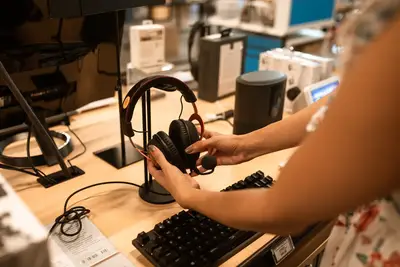
A player sits in a quiet room, adjusting the earcups of a heavy headset to block out the hum of a cooling fan. The sudden silence allows the subtle footsteps of an in-game character to become clear.
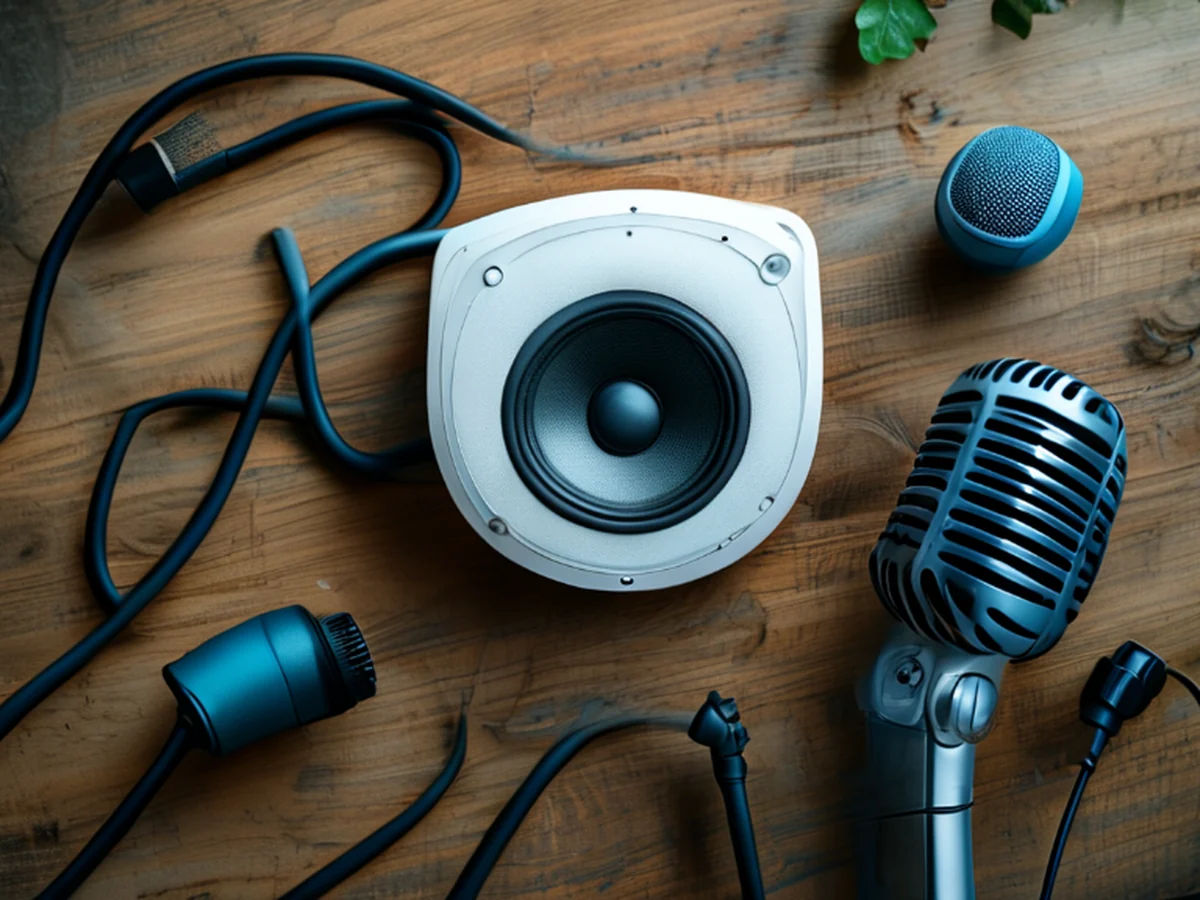
When choosing a gaming audio solution, environmental noise management is a primary concern for immersion. Active noise cancellation can isolate the player from reality, while passive isolation relies on the physical seal of the earcups.
High-fidelity gaming sound requires a clear signal-to-noise ratio so that subtle environmental cues in a game are not lost to background interference.
Effective noise management prevents external sounds from masking critical gameplay audio. For players in loud environments, active noise cancellation helps maintain focus. For those in quiet spaces, passive isolation via high-quality ear pads often provides a more natural soundstage.
Which noise-canceling headset is best for me? A traveler adjusts their headset while sitting in a crowded terminal, turning a dial to dial down the roar of an engine. The sudden shift in pressure brings the music back to the foreground.
Selecting the right level of noise cancellation depends on whether you prioritize isolation or situational awareness. A noise cancellation headset review often highlights the trade-off between total silence and the ability to hear someone speaking to you.
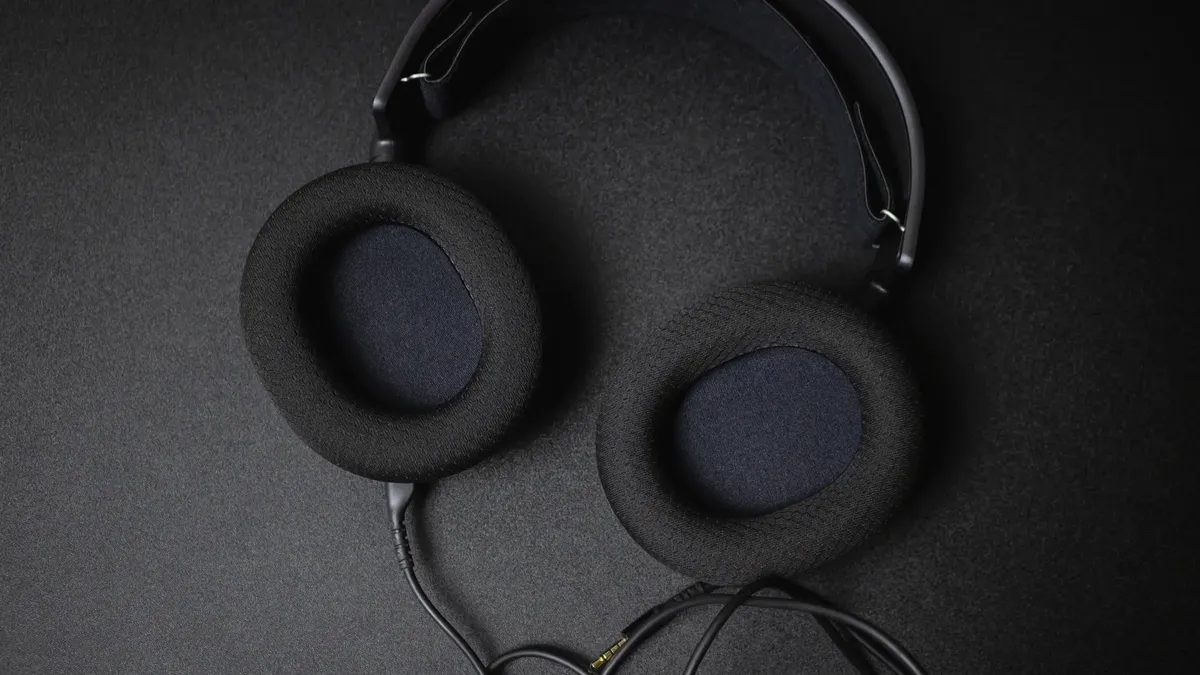
Some players prefer complete isolation to focus entirely on the digital environment, while others need to remain aware of their physical surroundings.
High-end models offer various levels of attenuation. Some allow for adjustable transparency modes, letting you blend gaming audio with ambient sounds. This versatility ensures that you can switch between deep immersion and casual use without changing hardware.
Which connection type will give me the lowest latency? A gamer plugs a thick, braided cable into a console, feeling the satisfying click of a secure connection. There is no delay between the onscreen explosion and the sudden blast of sound.
Connection stability is vital for competitive play where timing is everything. Wireless technologies like 2.4GHz dongles are designed to minimize latency, providing a much faster response than standard Bluetooth.
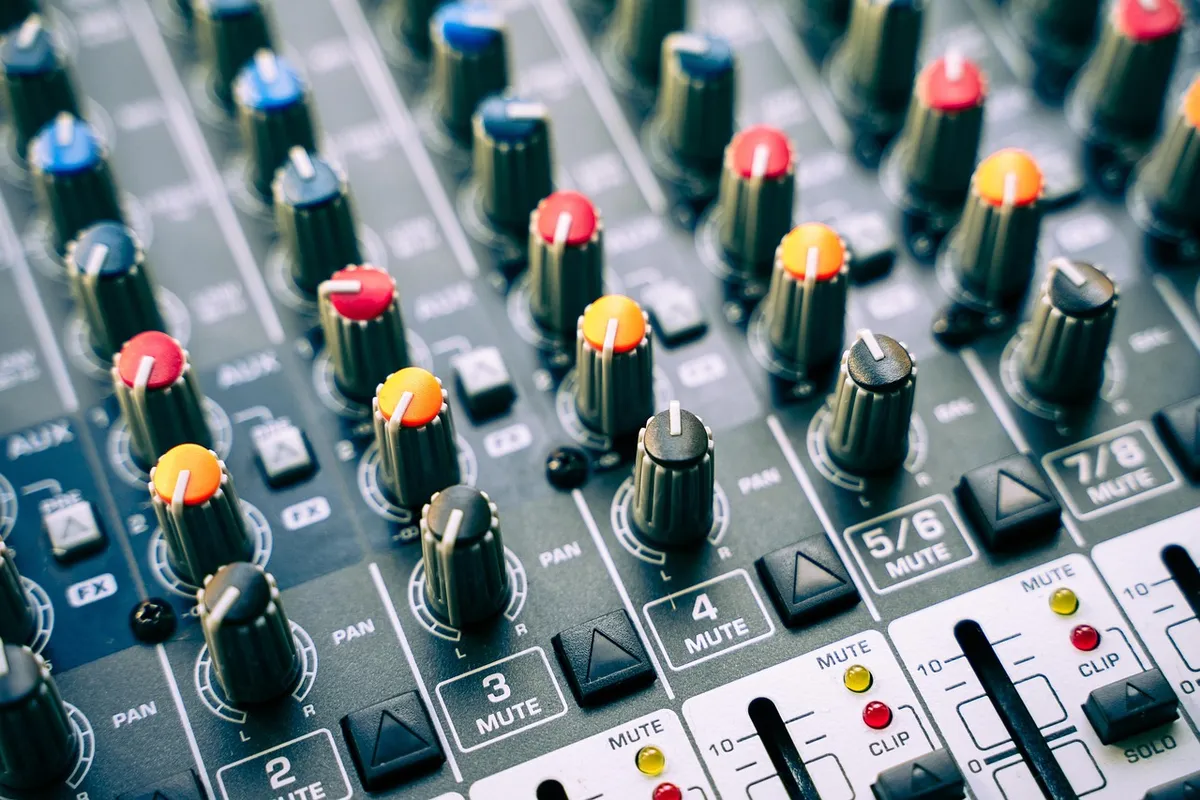
While Bluetooth is convenient for mobile use, it often introduces a delay that can disrupt the synchronization of audio and visual cues.
| Connection Type | Primary Benefit | Main Drawback |
|---|---|---|
| Wired | Zero latency and constant power | Limited mobility and cable clutter |
| 2.4GHz Wireless | Low latency and wireless freedom | Requires a dedicated USB dongle |
| Bluetooth | High compatibility and mobility | Potential for significant audio lag |
I personally prefer a wired connection during intense matches to ensure there is absolutely no risk of signal dropouts.
How to balance audio quality and gaming immersion?
A listener sits at a desk, switching from a studio-grade pair of headphones to a gaming headset to hear the direction of a distant gunshot. The soundstage shifts from wide and airy to tight and focused.
Achieving high fidelity gaming sound means finding a balance between frequency response and spatial accuracy. Gaming audio often requires emphasized mid-range and treble to highlight footsteps and voice chat, whereas music-focused audio might prioritize a richer bass response.
Understanding these profiles helps in selecting gear that serves both entertainment and competitive needs.
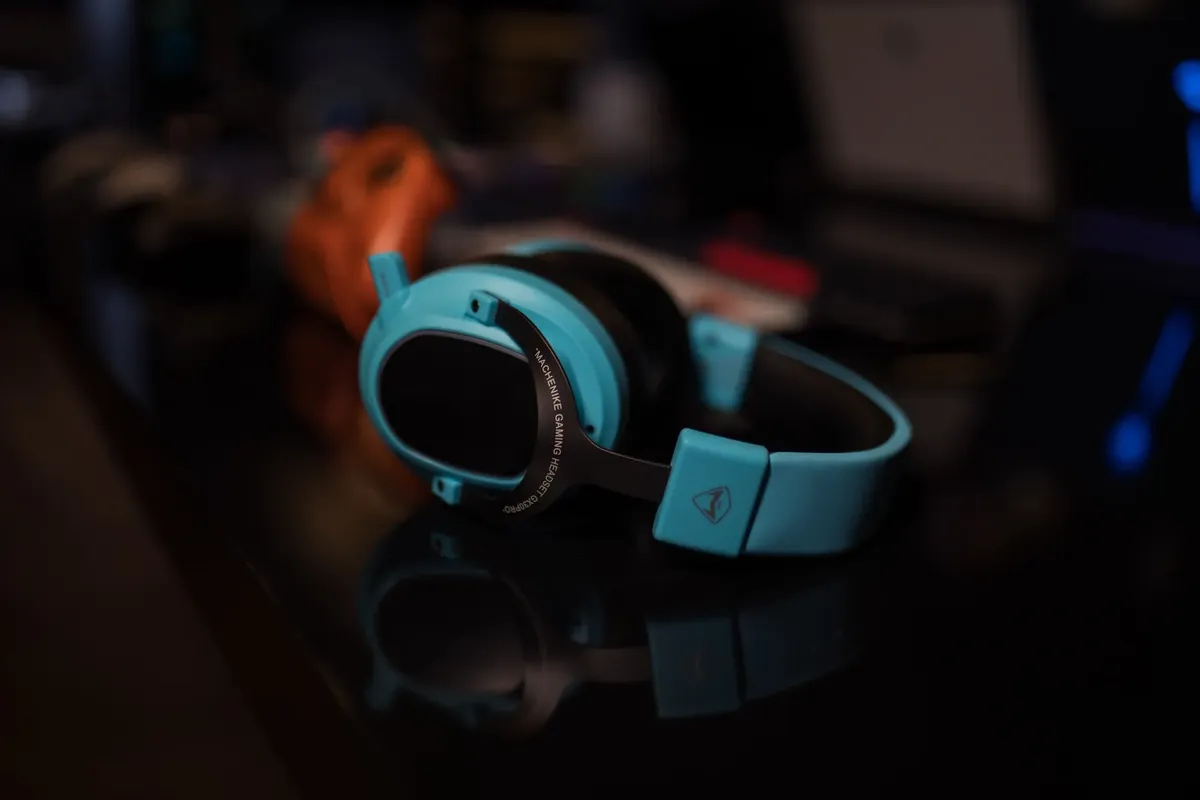
When evaluating hardware, consider the driver size and type. Larger drivers can provide a more expansive soundstage, which is helpful for positional audio in first-person shooters. However, specialized gaming tuning often provides the clarity needed for quick reaction times.
What are the steps for a proper gaming audio setup?
A user clears a space on a desk, laying out a new microphone and a set of headphones before connecting them to a computer. They begin the process of calibrating the levels for the first time.
To set up a reliable system, follow these three steps:
- Select a connection method based on your primary use case, prioritizing wired or 2.4GHz for gaming. 2. Adjust the physical fit of the headset to ensure optimal passive noise isolation and comfort. 3. Calibrate the software settings, such as equalizer profiles, to match the specific game's audio requirements.
Perform a final check by playing a high-fidelity track to ensure the drivers are not distorting at higher volumes.
- Select a high-quality headset compatible with your hardware. 2. Configure the software settings for your specific gaming environment. 3. Test the spatial audio to ensure accurate directional cues.
- I find that the second step is the most time-consuming.
Are there limitations to specific audio solutions?
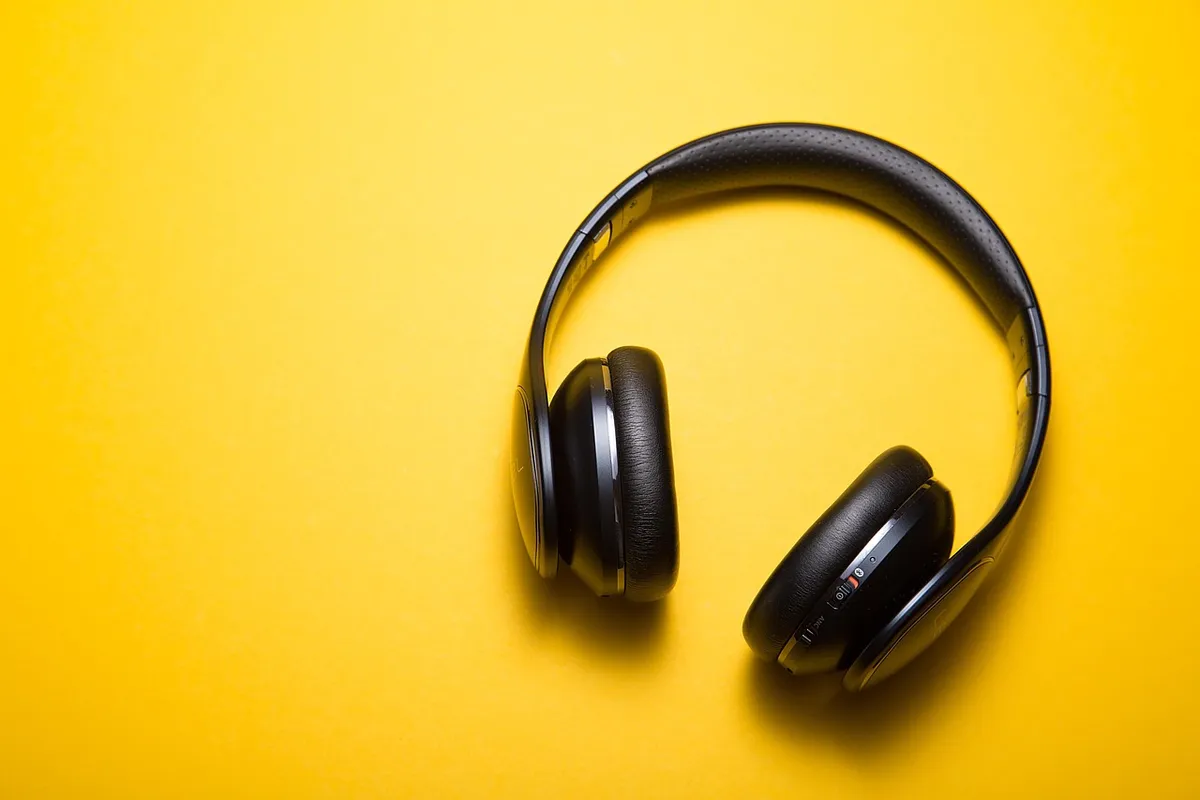
A user realizes that their wireless headset's battery is low after a long session, necessitating a charge. They look for a cable that can handle simultaneous charging and data transfer.
A limitation of wireless gaming gear is the battery life, which can vary significantly depending on the level of active noise cancellation used. Additionally, some high-end wireless models may not be compatible with all devices without specific drivers.
- How does noise affect gaming audio quality?
- What are the best headset noise cancellation options?
- Which connection types ensure low latency?
Related
- Gaming audio buying guide: Tips for clear sound separation
- Gaming audio headset safety: How to manage sound exposure
When is situational awareness more important than total silence? Situational awareness becomes more important when the gaming environment overlaps with real-world activity. A player needing to hear a colleague speak while maintaining game audio benefits from adjustable transparency modes. These modes allow the headset to blend ambient sounds with the game's audio stream. This capability is crucial when selecting the right gear for mixed-use scenarios.
What are the conditions for optimal soundstage perception? Optimal soundstage perception is achieved when the headset's driver size supports an expansive soundstage. Larger drivers contribute to this wider perception, which aids in positional audio identification. However, specialized gaming tuning must still be considered to ensure the clarity needed for quick reactions.
When selecting the right gear, one must consider the specific demands of the game genre. Competitive shooters benefit from the focused clarity provided by gaming tuning, while immersive single-player experiences might better utilize the expansive soundstage offered by larger drivers.
This comparison helps in making the right choice.
Proper setup requires that the physical fit of the headset ensures optimal passive noise isolation. This step directly impacts how effectively the headset manages external sounds before any electronic cancellation is engaged.
Ensuring comfort during long sessions is also part of achieving the right balance.
[web] HIGH END 2025 Audiophile Show Report High End Society's HIGH END 2025 Audiophile / Immersivephile Event In Munich Based on the retained excerpt mentioning Show Report High End Society: HIGH END 2025 Audiophile Show Report High End Society's HIGH END 2025 Audiophile / Immersivephile Event In Munich Home | High-End Audio Reviews | Audiophile Show Reports | Partner Mags | Hi-Fi / Music News High-Performance Audio Reviews Music News, Show Reports, And More!



Comments 0